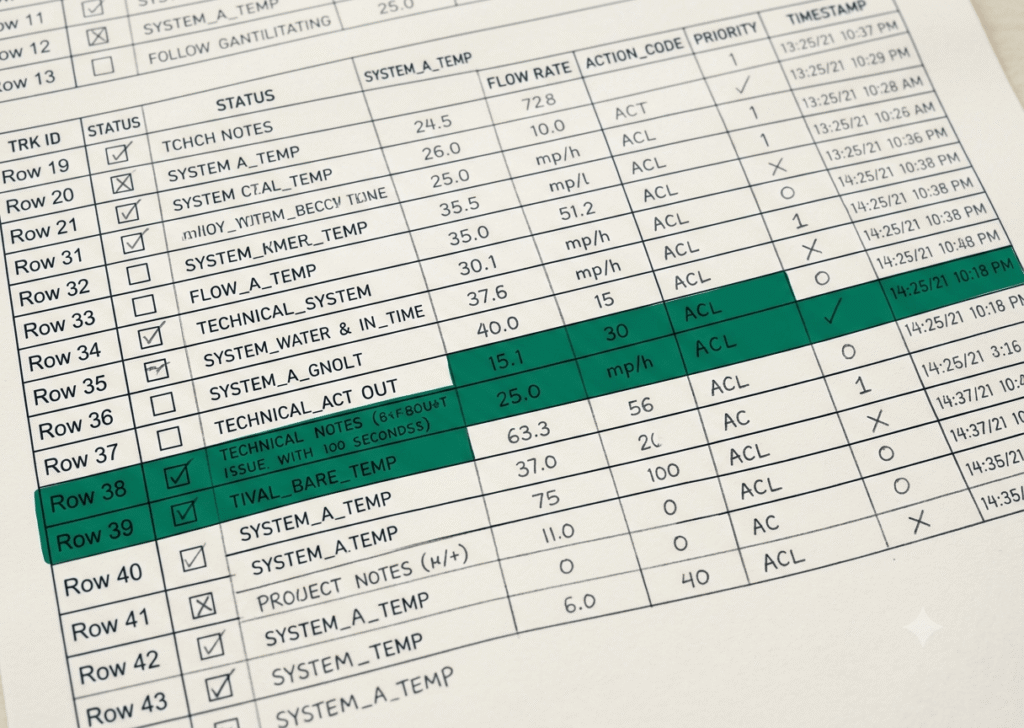
Most hiring teams can tell you how many open requisitions they have. Very few can tell you where each one is actually stuck, how long it has been stuck there, and who is responsible for the next move. The pipeline tracker is the document that closes that gap, and if yours is not doing that, it is not a tracker. It is a list.
What a pipeline tracker actually is
A pipeline tracker is not a spreadsheet of candidate names. It is a real-time map of every active requisition, organized by stage, with timestamps, owners, and next actions visible at a glance. The distinction matters because a list of names tells you who applied. A tracker tells you where momentum has stopped and why.
When a requisition stalls, it almost never stalls because the candidates disappeared. It stalls because a hiring manager has not reviewed a slate, because a debrief did not get scheduled, or because an offer conversation got delayed while someone waited for approval. Those failures are invisible in a candidate list. They are impossible to ignore in a well-built tracker.
The stages your tracker needs to capture
A tracker that reflects how hiring actually works has more specificity than most teams build into it. The common mistake is collapsing too many steps into one stage, which hides the friction points. If “in process” covers everything from phone screen to final round, you cannot tell where candidates are actually getting lost.
A functional set of stages looks like this:
- Sourced or applied
- Recruiter screen scheduled
- Recruiter screen completed, pending disposition
- Hiring manager review
- Hiring manager interview scheduled
- Panel interviews in progress
- Debrief pending
- Decision made, offer pending
- Offer extended
- Offer accepted or declined
Each stage should have a target time in stage, typically expressed as a maximum number of business days before the record is flagged. If a candidate has been sitting in “hiring manager review” for six business days with no movement, that is not a pipeline update. That is a problem, and your tracker should surface it automatically through conditional formatting or a simple date calculation, not through someone remembering to follow up.
How to read the tracker as a management tool
A pipeline tracker stops being useful the moment it becomes a data entry exercise rather than a decision-making tool. The difference is in how you use it. If you only update it when something happens, you are documenting the past. If you review it on a set cadence and use it to drive the next conversation, you are managing the present.
A weekly tracker review should answer four questions: Which requisitions have candidates stuck in the same stage for more than five business days? Which stages consistently accumulate the most drop-off? Which hiring managers have the longest average time between receiving a slate and completing their review? And which roles are consuming the most recruiter activity relative to their progress?
The answers to those four questions tell you more about the real health of your hiring operation than any summary report. They tell you where your process is working and where the human variable, usually a bottleneck at the hiring manager level, is creating delay.
The link between tracker discipline and time to fill
Time to fill is the metric most TA teams report upward. It is also the metric most susceptible to looking acceptable on average while hiding serious problems underneath. A team that closes two roles in 30 days and lets three roles drift to 90 days has an average time to fill of 54 days, which sounds manageable until you are the business unit waiting on those three roles.
A tracker with stage-level timestamps shows you where the time is actually going. In most organizations, the majority of hiring delay does not happen in sourcing or screening. It happens in the hand-off points, the gap between “slate sent” and “slate reviewed,” between “interviews complete” and “debrief held,” between “decision made” and “offer letter sent.” Those gaps are process failures, not candidate failures, and a tracker is the only tool that makes them visible at the individual requisition level.
When you can show a hiring manager that their average review time is 11 business days while the company target is three, you have a specific, documentable conversation to have. When all you have is a time-to-fill number, you have a complaint.
What to do with the data you find
A tracker creates accountability when you use what it surfaces. That means two things in practice. First, every stuck record gets a named owner and a next action with a date before it leaves the weekly review. Not “recruiter to follow up” but “recruiter to contact hiring manager by Wednesday to schedule debrief.” Second, patterns that repeat across multiple requisitions get addressed at the process level, not just the individual level.
If five different roles are stalling at the same stage, the problem is not five different hiring managers. The problem is that stage. Maybe the debrief has no set format and nobody knows how to run one efficiently. Maybe the offer approval chain requires a signature from someone who travels most of the week. Those are structural problems, and the tracker is the instrument that helps you see them clearly enough to actually fix them.
The candidate pipeline tracker in the Persiva Method is built with all of these stages, flags, and ownership fields already in place, ready to run from the first requisition without building the logic yourself.